
Your own music library on every speaker in the house, with Navidrome and Music Assistant
I’ve got a big music library on my home server and I was still paying for streaming to listen to it around the house. Here’s how…
Read more →
I built a Jarvis-style voice assistant for my house (and what it really costs)
I wanted to talk to my house like Tony Stark does: “turn the office lights off”, “what’s on my calendar?”, “play some music in the kitchen”.…
Read more →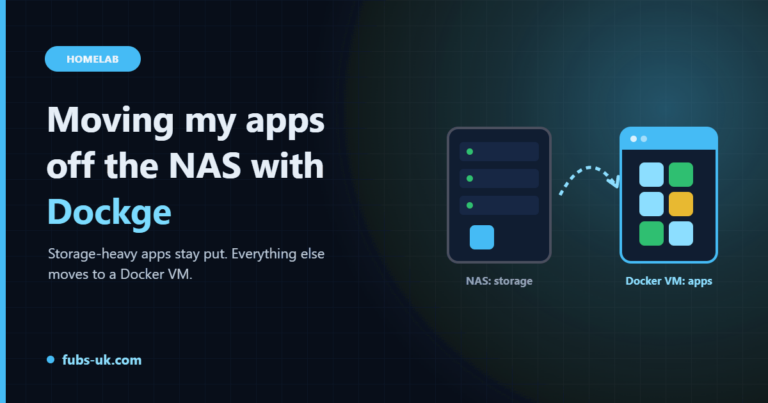
Moving my apps off TrueNAS onto a Docker VM with Dockge
TrueNAS is a great NAS. It's a less great app platform. Here's how I split the two: storage-heavy apps stay on the NAS, everything else moves…
Read more →
Self-hosting my password manager with Vaultwarden (and backups that actually work)
Vaultwarden gives you a Bitwarden-compatible password manager on your own hardware. Setting it up is the easy part. Backing it up properly is the bit that…
Read more →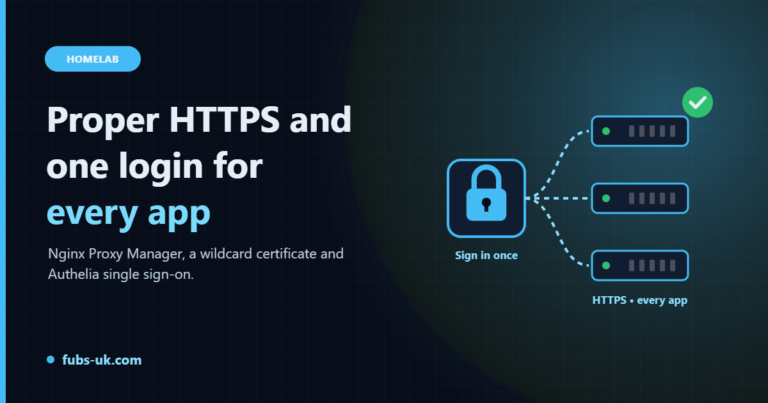
Rebuilding my reverse proxy: Nginx Proxy Manager, a wildcard cert and single sign-on with Authelia
No more bookmarking IP addresses and port numbers. Proper HTTPS names for every app at home, and one login in front of all of them.
Read more →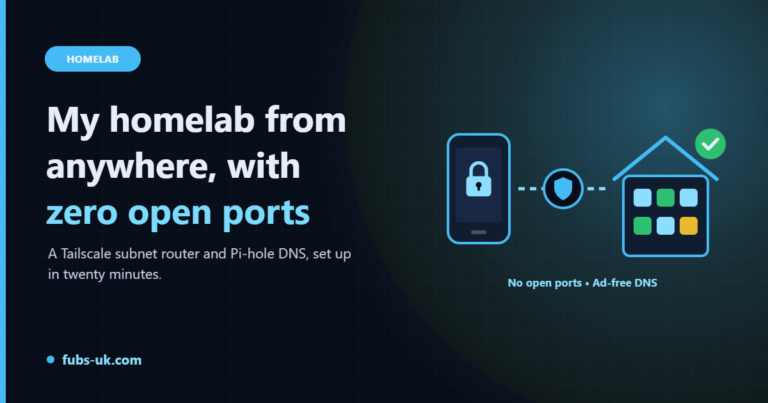
Getting into my homelab from anywhere: Tailscale subnet router and Pi-hole DNS
No port forwarding, no dynamic DNS, no exposing apps to the internet. One Tailscale subnet router gives me the whole home network from my phone, with…
Read more →